
affe
a user-friendly text editor
Full mouse support
Scrolling, clicking, text selection
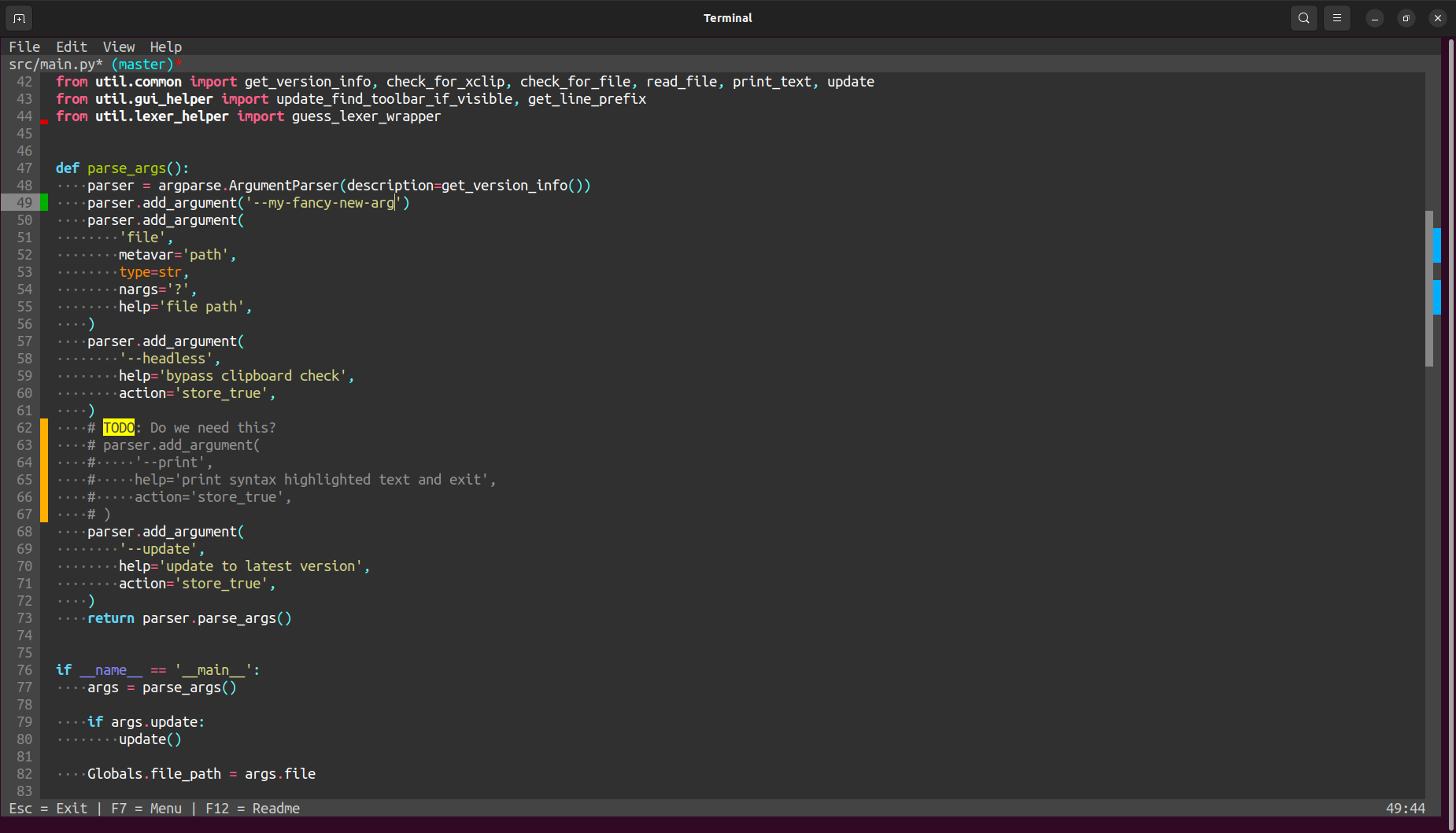
git integration
Inline git diff and git minimap
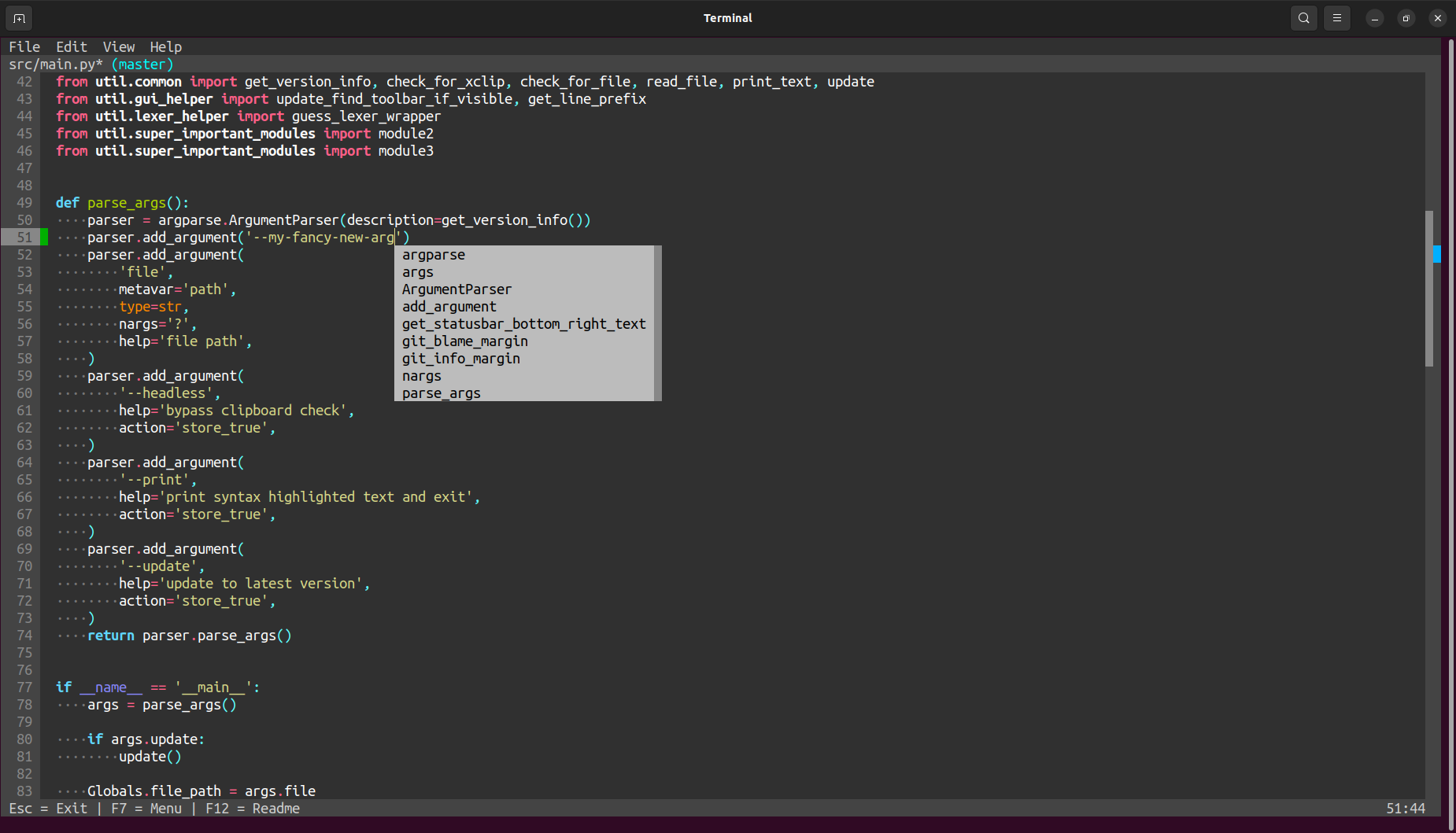
Autocompletion
Fuzzy autocompletion triggered by Ctrl + Tab
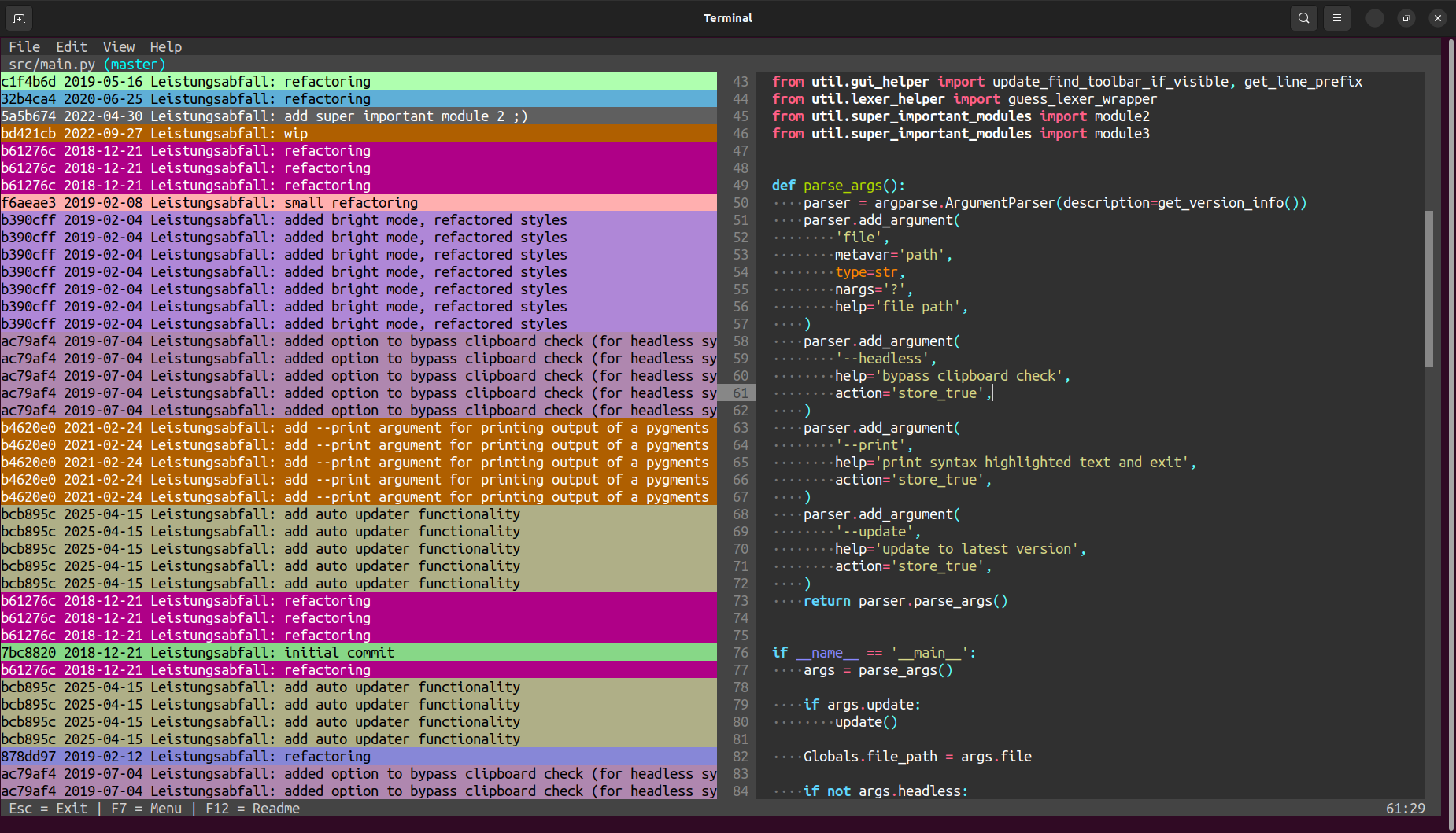
Inline git blame
Colored commits show code changes
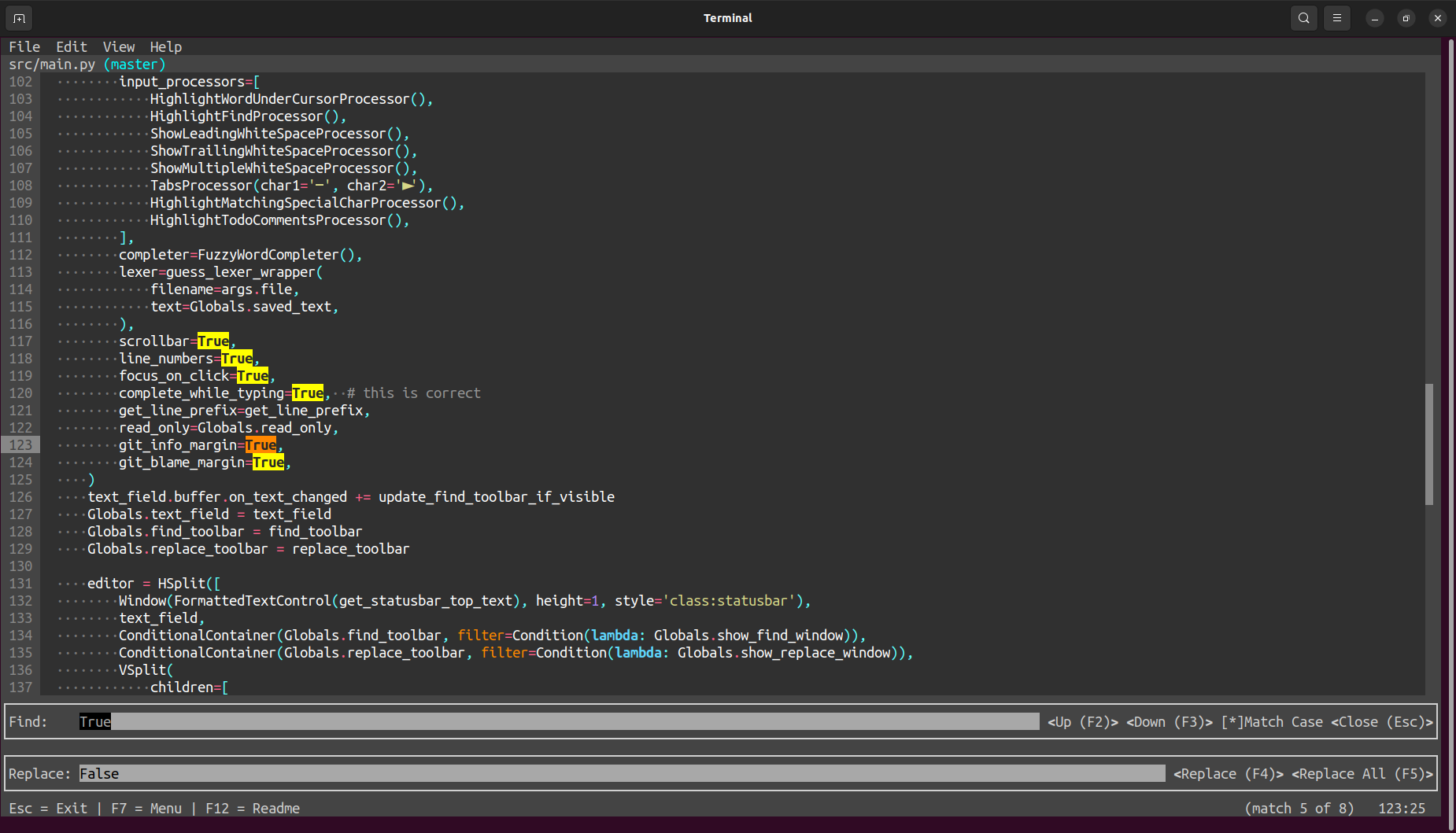
Find & Replace
Powerful find & replace functionality
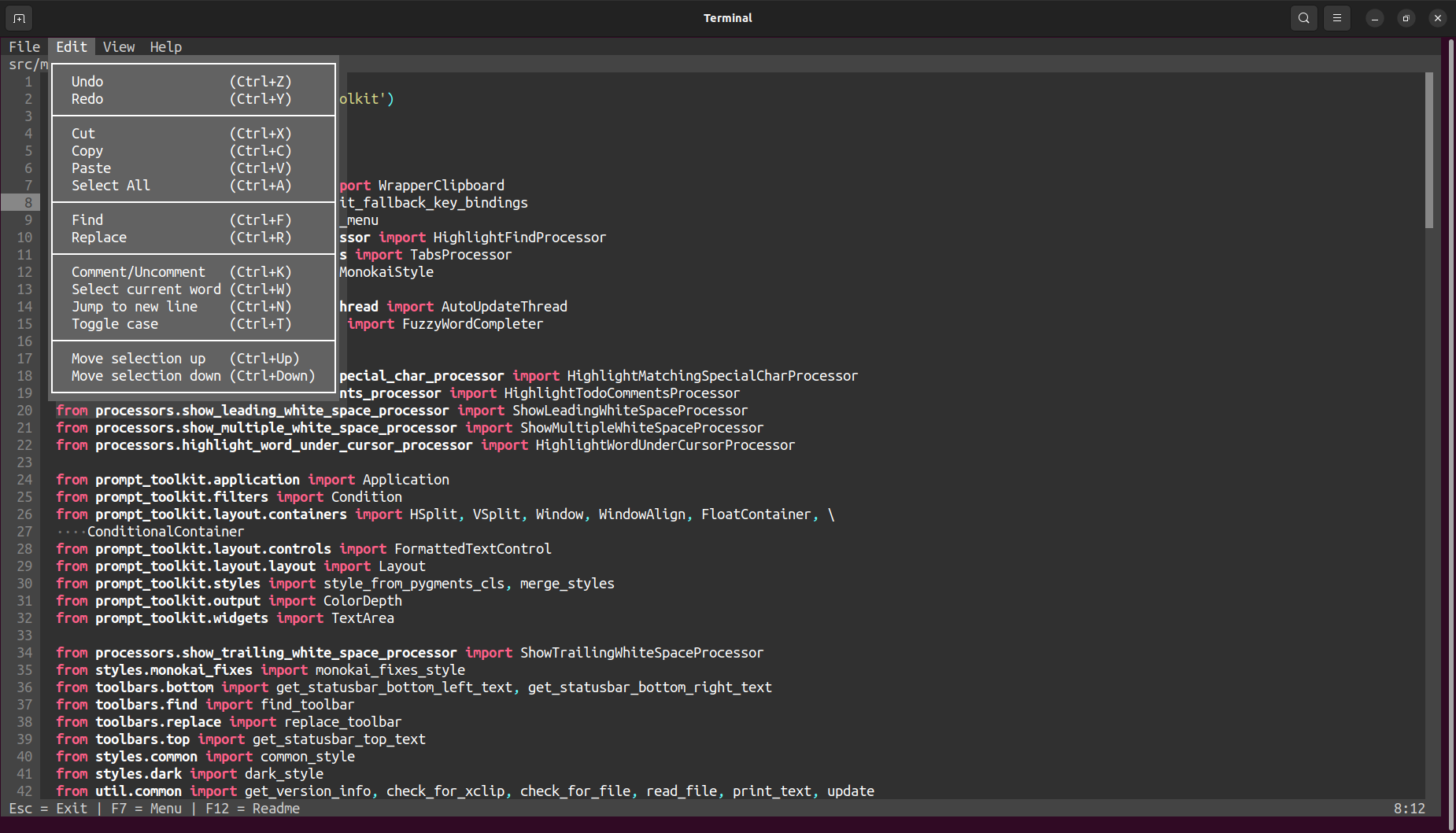
Keyboard shortcuts
Familiar keyboard shortcuts for text editing & navigation
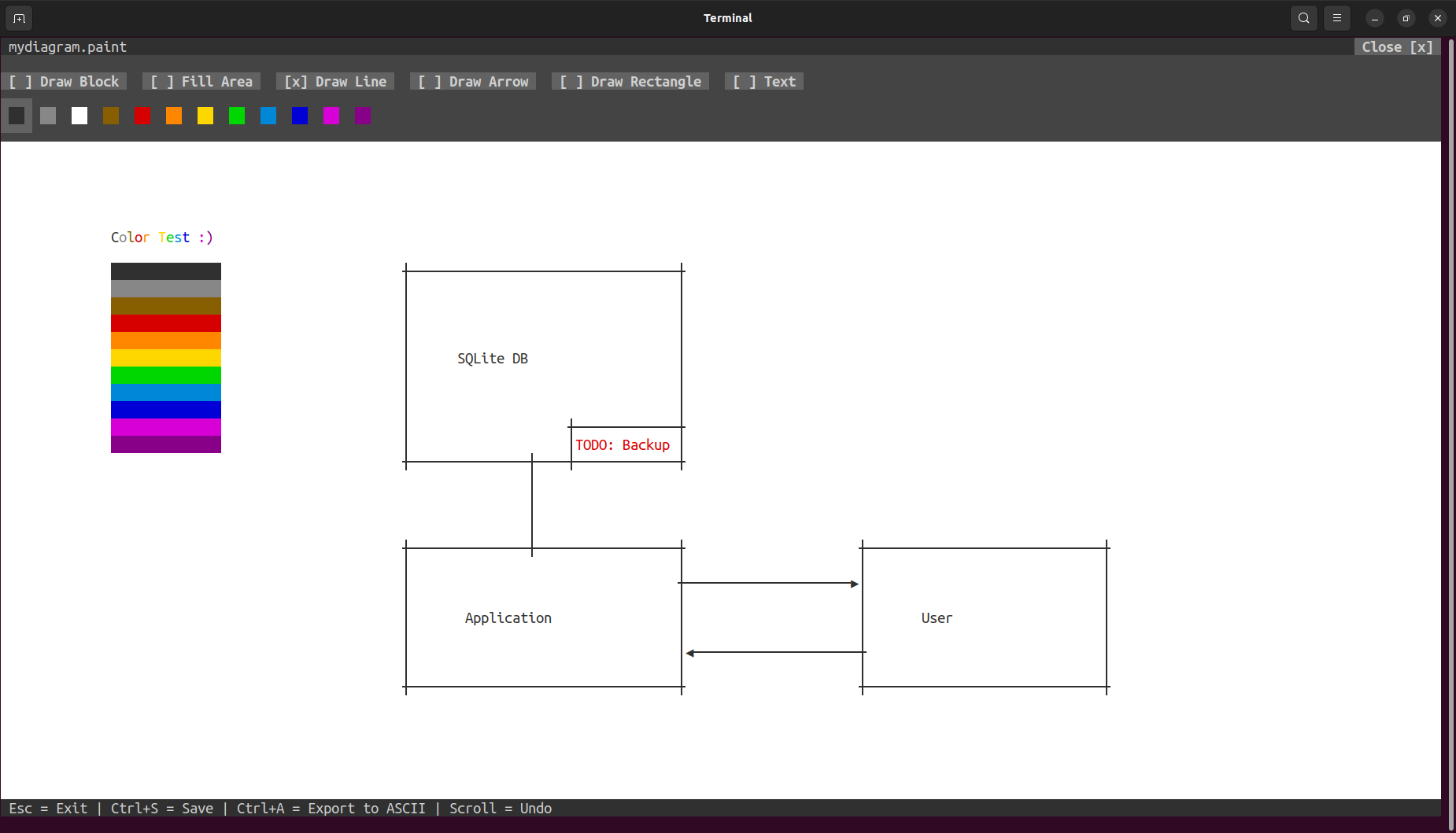
Get creative
Draw some diagrams: affe <file>.paint
Download
Current version
Binaries
affe (Linux x86-64)
Installation via command line
Linux (x86-64):
curl -fsS https://affe.sh/linux | sh
Source code
https://github.com/Leistungsabfall/affe
What is affe?
"A terminal-based editor enhanced with some fancy features."
affe is an acronym for a full-fledged editor.
Also, affe means monkey in German.
Features
Terminal-based
- No GUI
- Runs in a terminal (even over SSH)
- Like vim , nano , etc.
User-friendly
- Full mouse support
- Scrolling
- Clicking
- Text selection
- Easy to remember keyboard shortcuts
- Esc : Exit
- Ctrl+C : Copy
- Ctrl+V : Paste
- Ctrl+S : Save
- ...
Cross-plattform
- Written in Python 3
- Runs on every CPU architecture supported by Python:
- x86
- x86-64
- ARM
- ...
- Runs on every operating system supported by Python:
- Linux
- Windows
- MacOS
- QNX
- For Linux (x86-64):
- Single-file binary file
- ~ 8MB
- No external dependencies
git integration
- Inline git diff & git minimap (like in an IDE)
- Inline git blame (switchable)
- Option to restore file content ( git checkout )
Text completion
- Fuzzy autocomplete functionality
Example:
Starting autocompletion on the string arg could return the following suggestions:- argparse
- ArgumentParser
- addRegularGrammarRule
- defaultArgs
Find & replace
- Find & replace functionality
- Forward and backward search
- Find options:
- Match case-sensitive
- Match case-insensitive
- Replace options:
- Replace one occurrence
- Replace all occurrences
Syntax highlighting
- Using Pygments lexers
- Updates instantly while typing
- Support for over 500 languages & other text formats
affe (2019-), created by Leistungsabfall
🍌 Buy me a banana